


Enter all the desired criteria: the apps that satisfy them all will be searched; if a criterion is specified multiple times, only the last occurrence will be considered.

























































 This app has been dismissed by the developer and is therefore no longer available online or on the stores
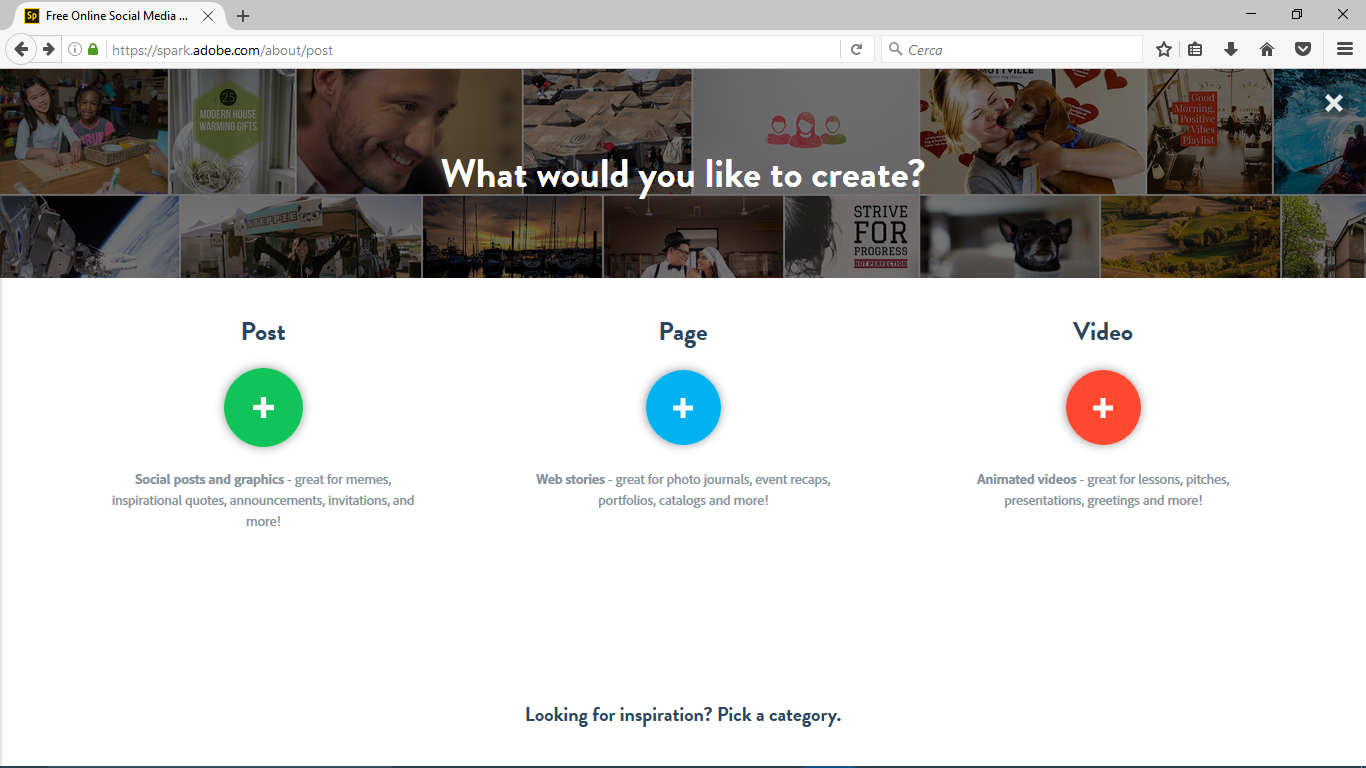 The Adobe Spark homepage lets you choose among 3 different applications to use. By clicking on “Post”, the main page called "My Projects" appears, where, as you can guess from the name, you can find your productions, created with the App.
 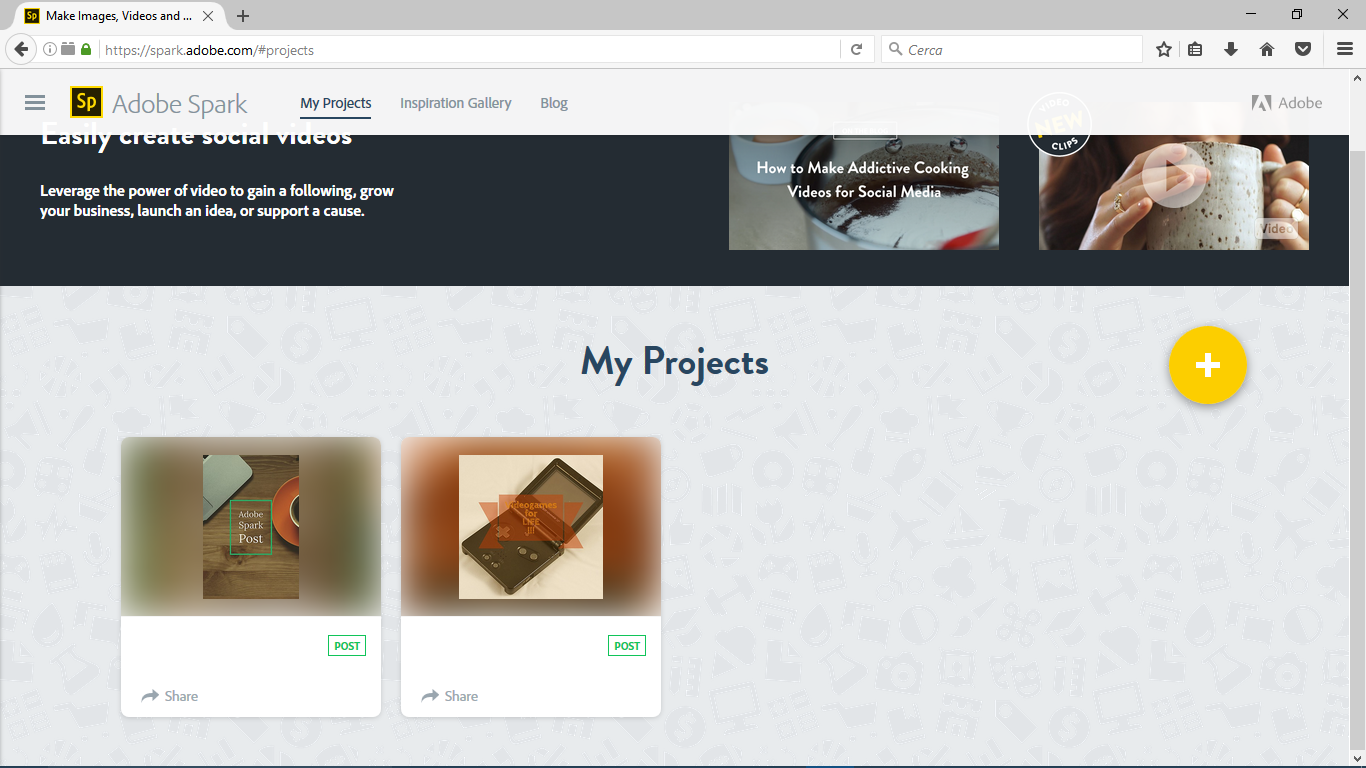 From this page you can enter two sections: “Inspiration Gallery” and “Blog”, where you can find posts and videos created by other users and from which you can get inspired, and an area with articles, video and stories about the different general topics.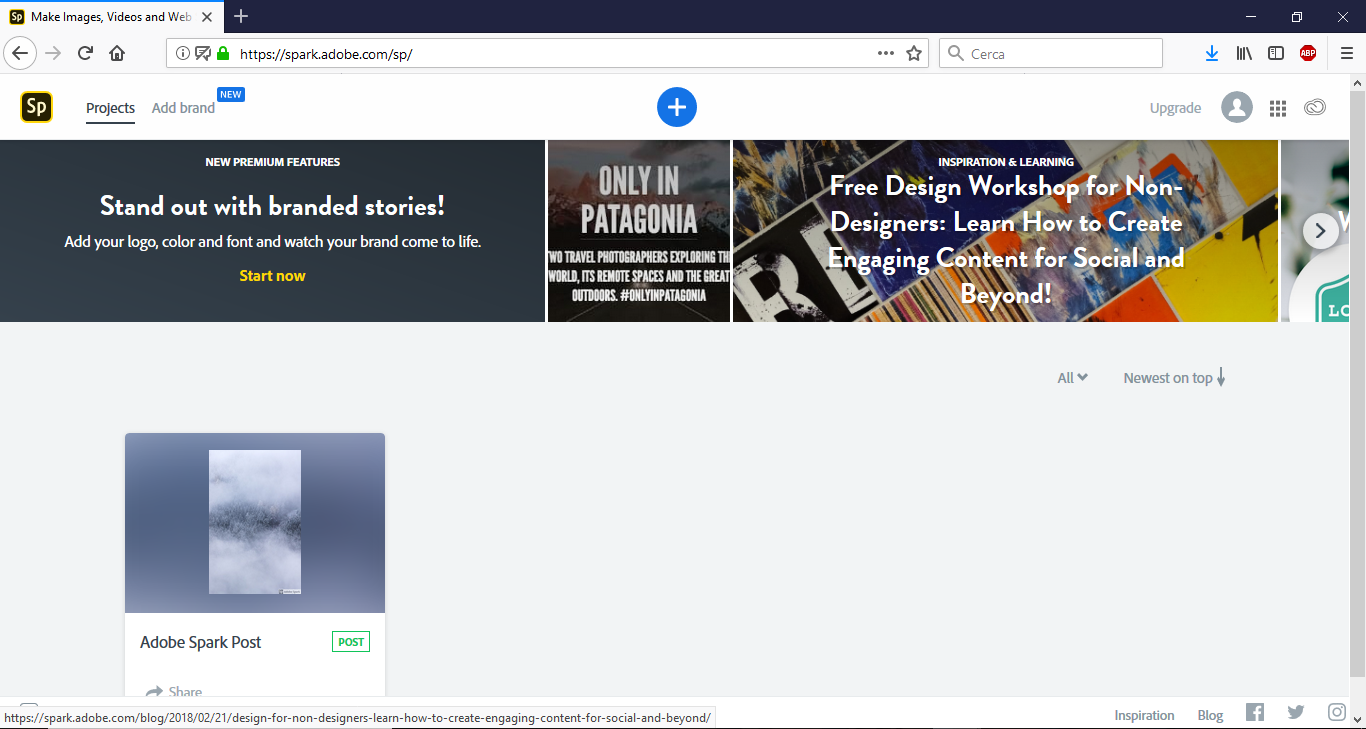
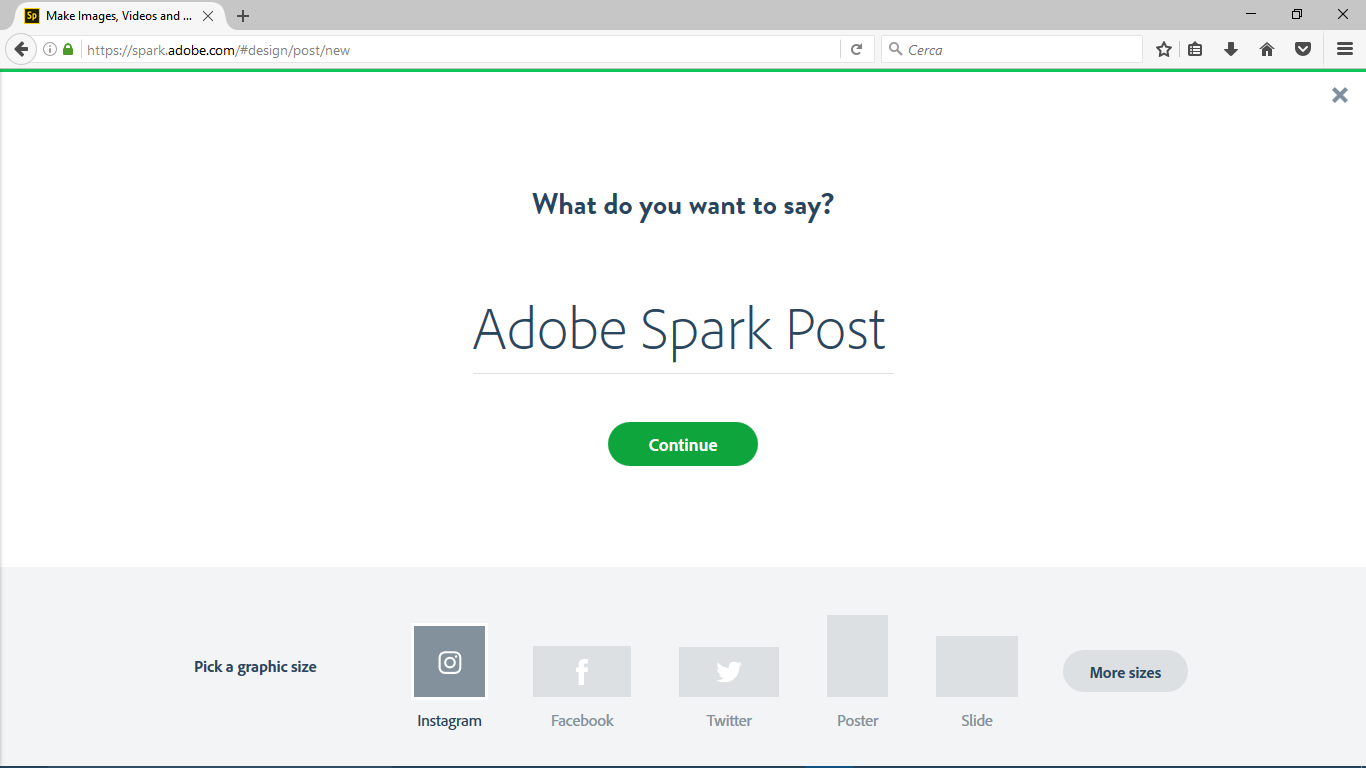
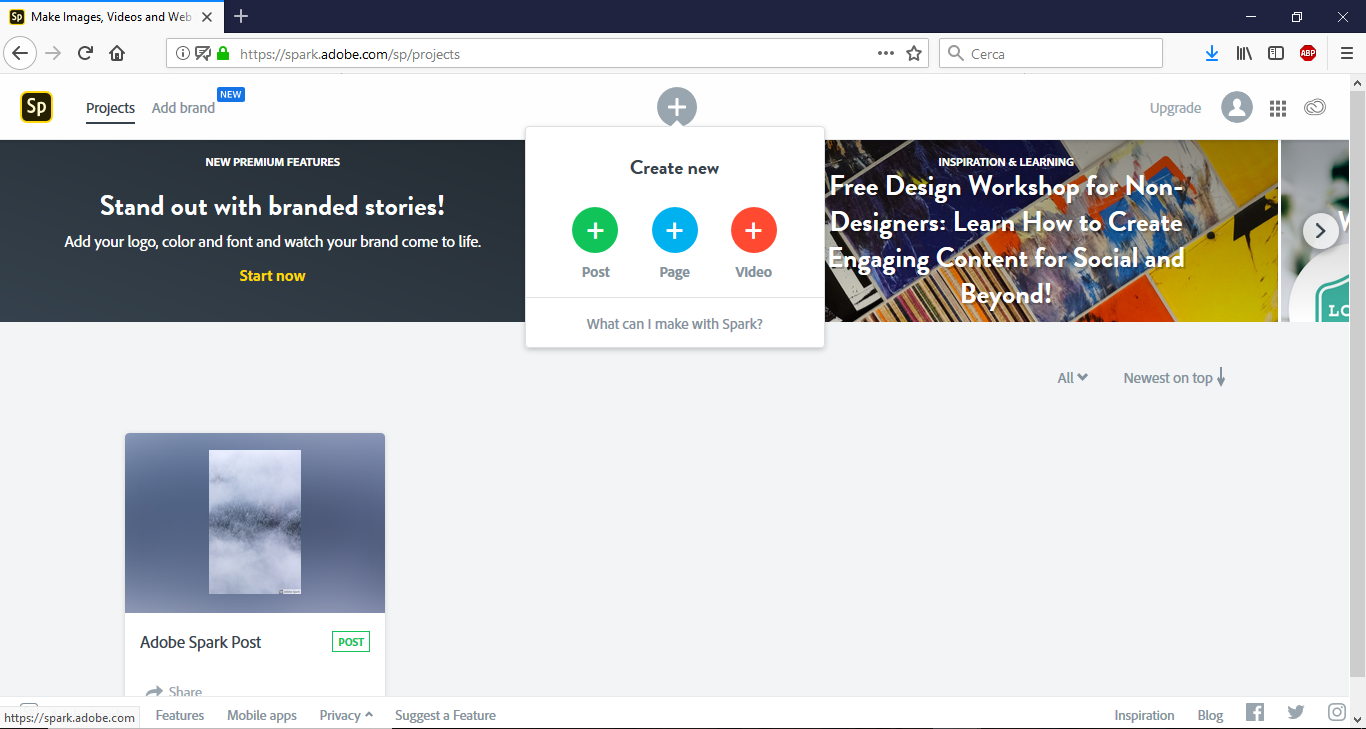 Starting to create your contents is very simple and natural. You begin with the “+” button circled in blue. Then you continue writing your quote or phrase and the dimension of the image.
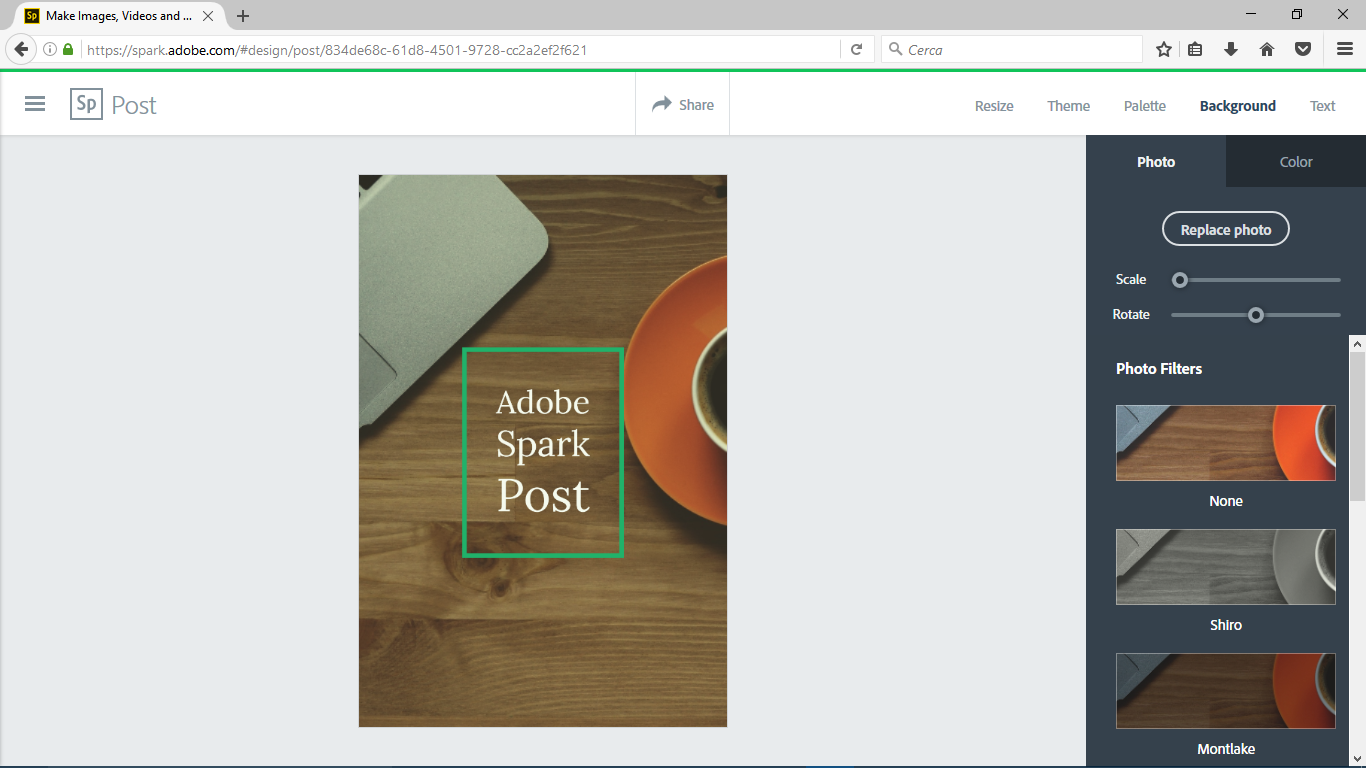
  It is also possible to edit every aspect of the graphic layout, starting from the background, the colours’ palette and the font of the text.
  When your work is finished you can choose if you want to share it publicly on the Adobe platform or on other Social Networks, if you want to keep it private or to delete it.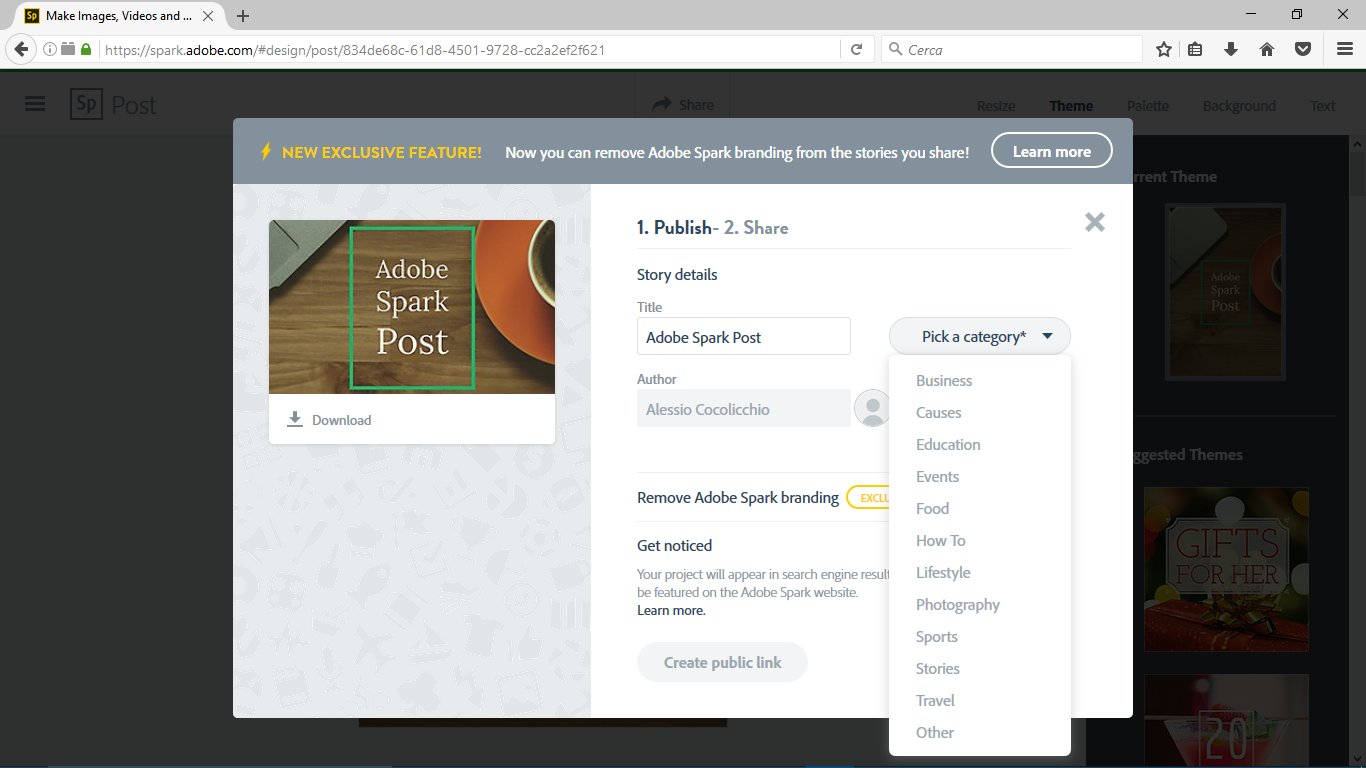
 0/5
5
0/5
5
0/5
5
0/5
5
0/5
5
0/5
5
0/5
5
0/5
5
0/5
5
0/5
5
 Add comment









Copy link