


Enter all the desired criteria: the apps that satisfy them all will be searched; if a criterion is specified multiple times, only the last occurrence will be considered.




























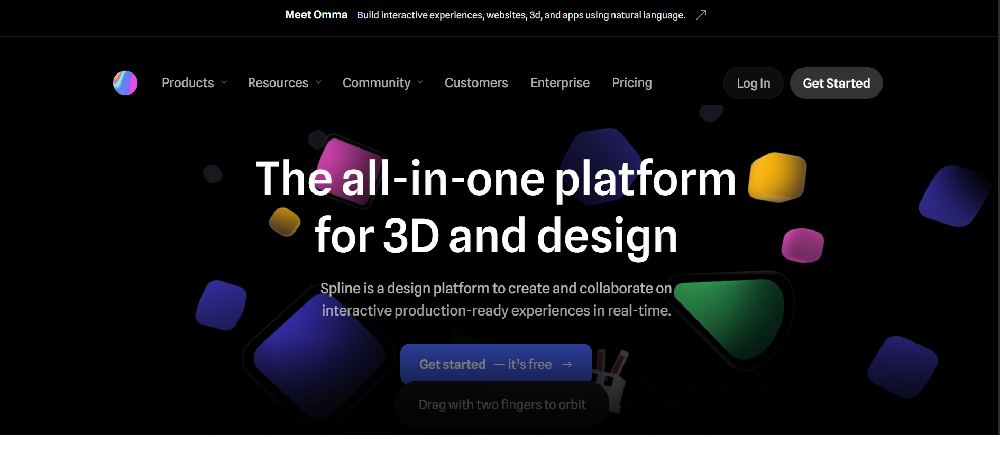
This is the Spline home page, which presents the application as an advanced web platform for 3D creation and design. Right from the start, the tool's potential is highlighted, allowing you to model, animate, and, above all, easily share your work. Being a browser-based application, it is emphasized how sharing and collaboration are immediate: the home page indeed shows how it is possible to work as a team on the same project in real time and how a finished 3D model can be made accessible to anyone simply by sending a link (URL) or embedding it within any website or external page.
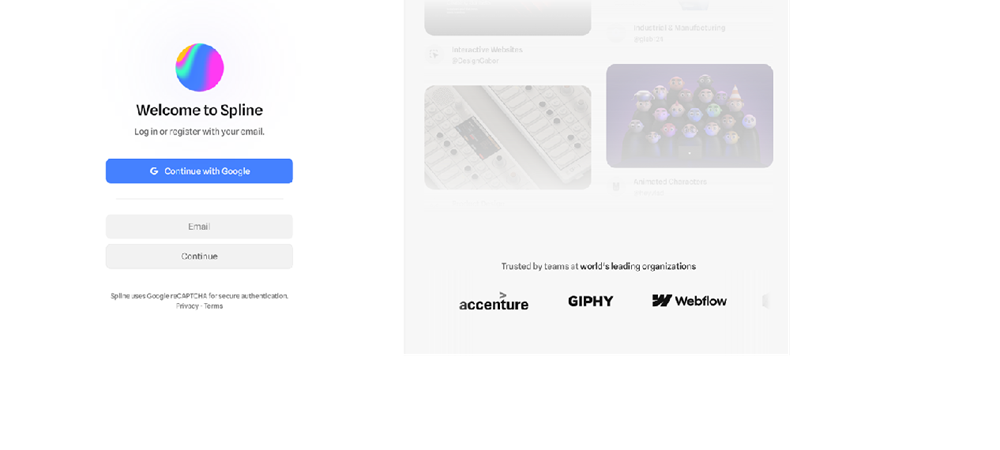
This is the Spline authentication page, the necessary step to access the workspace. The image shows the available access options, allowing the user to register or log in using an existing Google account or by using an email address.
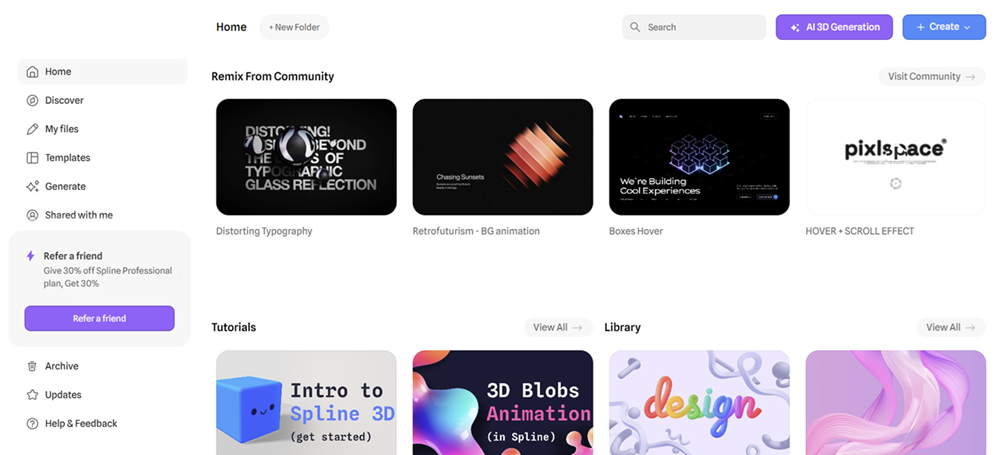
This is the dashboard accessed after logging in. On the left is the main menu divided into sections to manage your files, discover new content, access templates or shared projects. The central area instead offers community projects to take inspiration from and video tutorials to learn how to use the app.
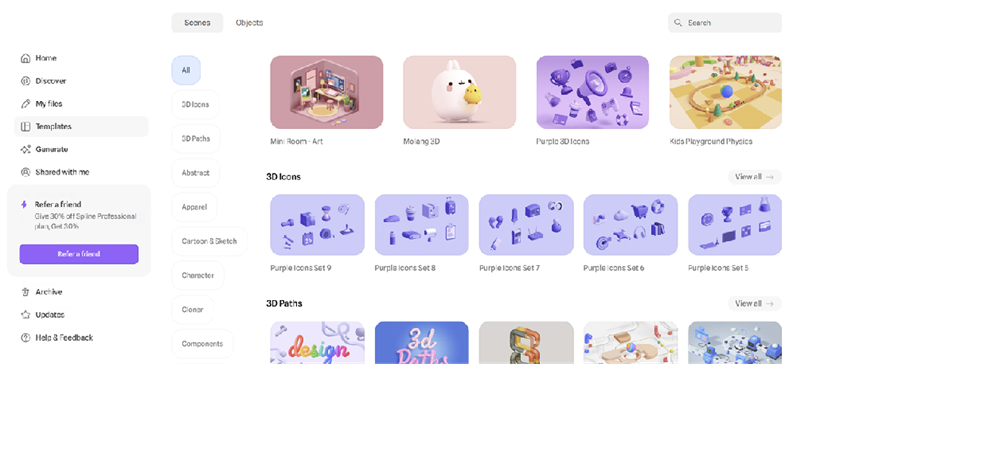
This image shows an example of the content available to the user, featuring a template library integrated into the application. Once the workspace editor is opened, the application provides a multitude of spatial design features. By selecting an element, the side panel allows you to manage its properties in an advanced way: you can apply realistic materials and textures, adjust light sources, and generate shadows. One of the most innovative features is the creation of interactivity through the "States and Events" system: the user can animate objects and make them react to mouse hovers or clicks. Once the work is finished, the project can be exported as a standard 3D file, an image, or converted into code ready to be pasted into a website.
Regarding possible educational uses, Spline offers innovative potential for schools. For example, it can be used to:
 Collaboration & CommunicationAnimationsDiagrams, graphics and images
 Augmented reality
 PresentationsDesigning & Planning
 0/5
5
0/5
5
0/5
5
0/5
5
0/5
5
0/5
5
0/5
5
0/5
5
0/5
5
0/5
5
 Add comment









Copy link