


Enter all the desired criteria: the apps that satisfy them all will be searched; if a criterion is specified multiple times, only the last occurrence will be considered.

































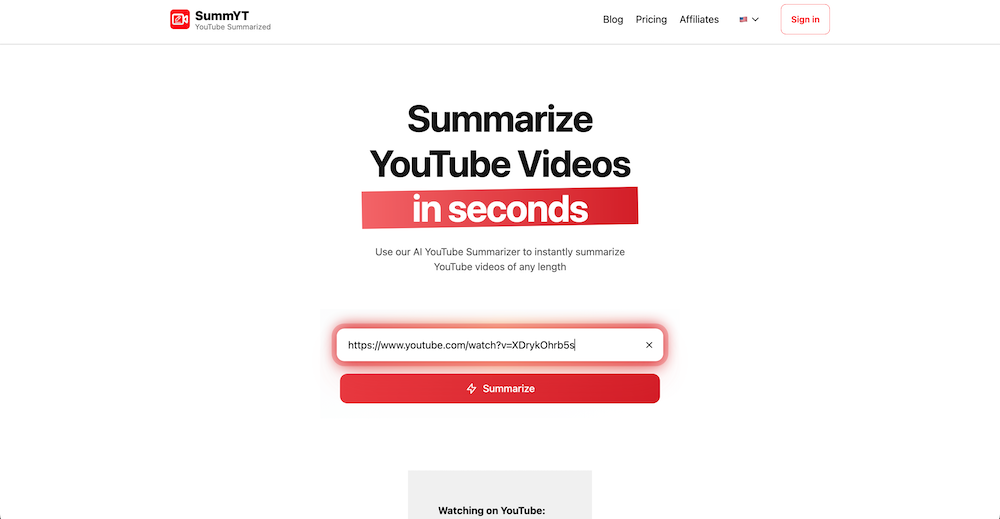
The following is the main screen of SummYT. Here it is possible to paste the link of a YouTube video into the dedicated text field and start the summarization process by clicking on the “Summarize” button. Authentication will be required.
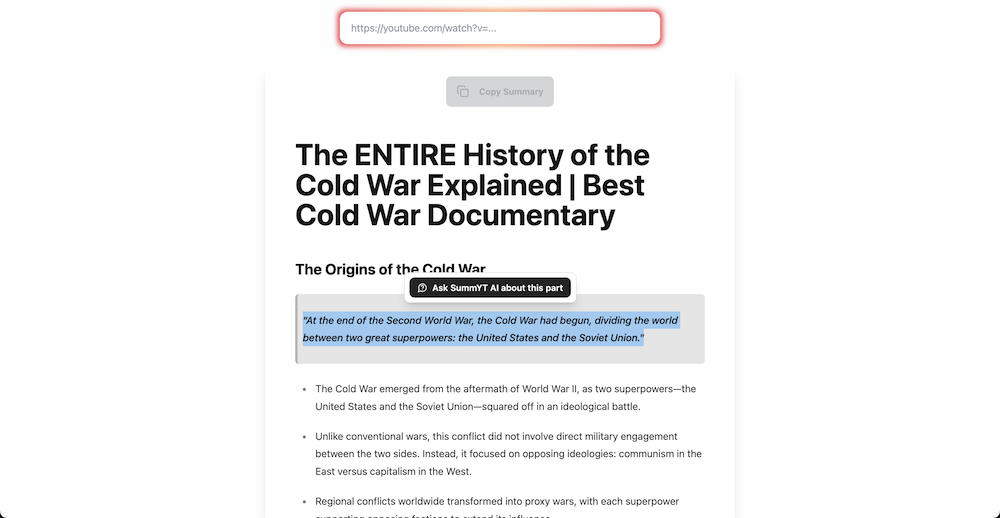
The following is an example of a summary generated with SummYT from the video link “The ENTIRE History of the Cold War Explained | Best Cold War Documentary”. The summary is produced in bullet-point form with the main information and, in some cases, textual quotations. The result makes it possible to quickly grasp the fundamental concepts covered in the video, reducing viewing time and providing useful support for study and consultation. It is also possible to select and copy individual portions of text or the entire summary, as well as to use the option to ask questions to the SummYT chatbot regarding a selected part of the text, for example to obtain clarifications or specific insights.
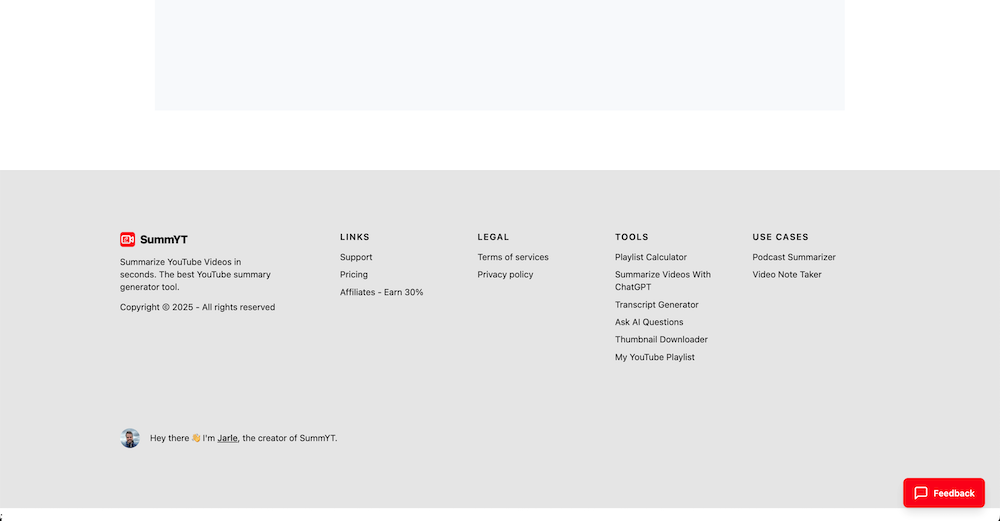
The following is the lower section of the SummYT platform, where quick links to the main additional tools are displayed: Playlist Calculator, Summarize Videos With ChatGPT, Transcript Generator, Ask AI Questions, Thumbnail Downloader, and My YouTube Playlist. In the same area two specific use cases are also presented: Podcast Summarizer, which allows the automatic summarization of audio/video episodes, and Video Note Taker, which makes it possible to generate concise notes from video content, both accessible through free registration.
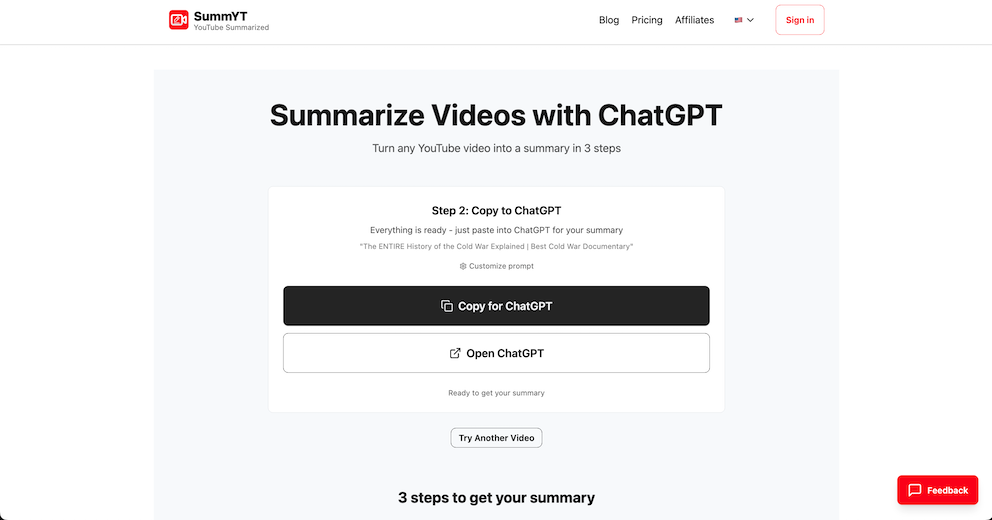
The following is the screen related to the Summarize Videos with ChatGPT function. In this section, after entering the video link, a prompt is provided to copy and paste directly into ChatGPT in order to obtain a more detailed and personalized summary. The options Copy for ChatGPT and Open ChatGPT are available, allowing the user either to copy the prompt or open the platform directly to generate the summary.
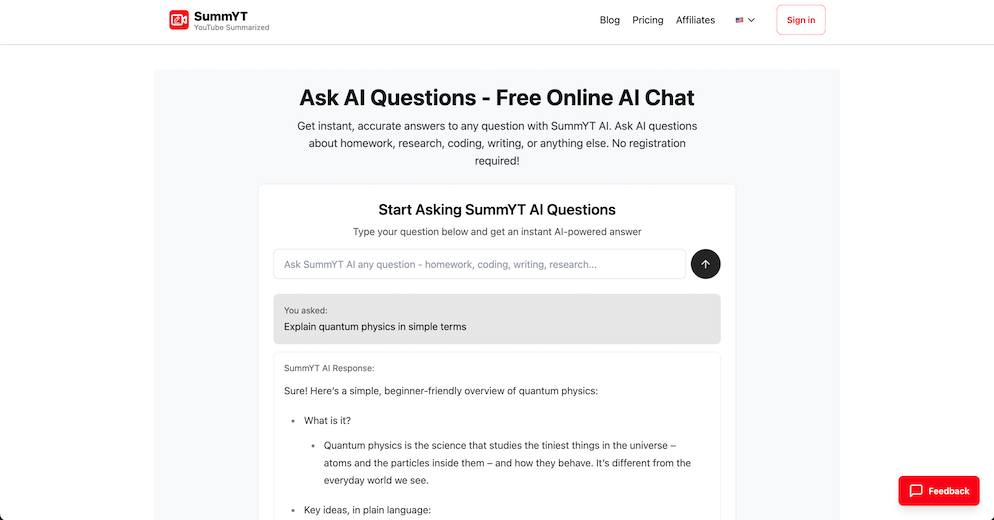
The following is an example of the use of the Ask AI Questions tool, which makes it possible to obtain instant answers to questions of any kind, even those not directly related to YouTube. The example shows a request concerning quantum physics explained in simple terms. The application provides a concise explanation, suitable for a non-expert audience and structured into key points.
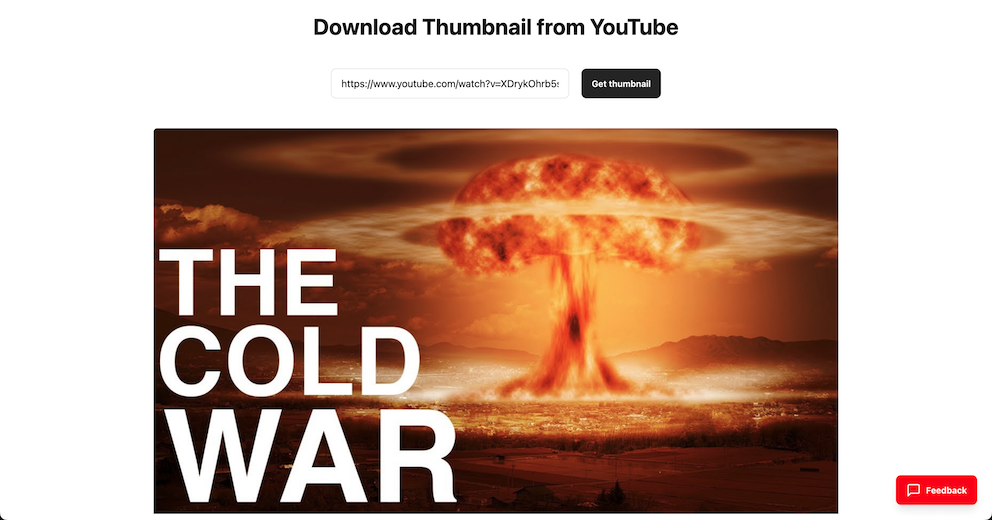
The following is an example of the Thumbnail Downloader tool, which allows downloading the thumbnail of a YouTube video by entering the corresponding link. The example shows the cover of the video that had previously been summarized, useful for extracting graphic elements or visual materials to be integrated into presentations or educational projects.
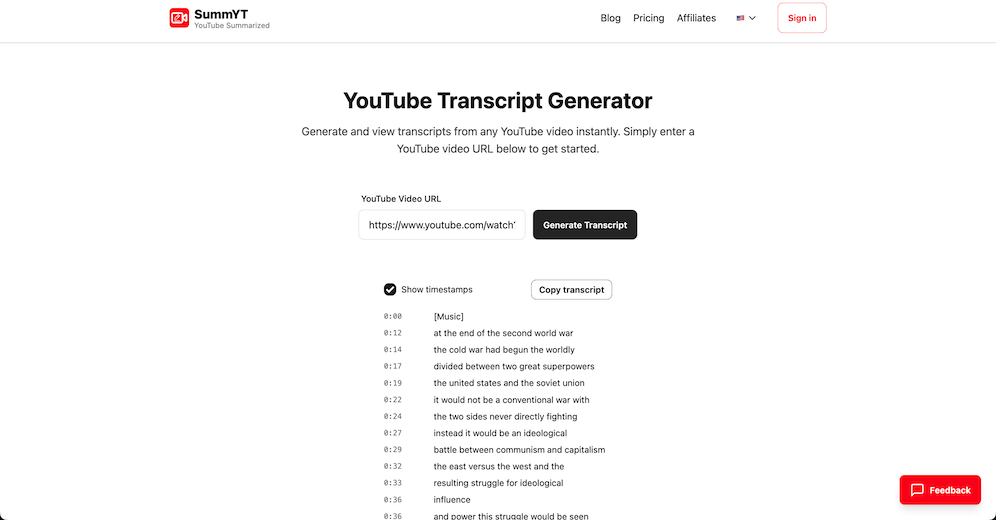
The following is the screen of the YouTube Transcript Generator tool. By entering the URL of a video it is possible to generate the complete transcript, with the option of viewing the corresponding timestamps. The result can be copied through the dedicated Copy transcript button and used for text analysis, translations, or as support for studying foreign language content.
SummYT can be used in educational settings to:
 0/5
5
0/5
5
0/5
5
0/5
5
0/5
5
0/5
5
0/5
5
0/5
5
0/5
5
0/5
5
 Add comment









Copy link