


Enter all the desired criteria: the apps that satisfy them all will be searched; if a criterion is specified multiple times, only the last occurrence will be considered.



























The following is the QR code generator's home screen, where you can enter a website link, file, or text. This allows you to create and customize a QR code, which can be downloaded in JPG format. At the top are a series of elements that can be useful for creating your own QR code. Registration or access to the platform to generate codes is not required, but this is limiting because you won't be able to access all the other features. For this reason, the app offers different subscription plans, depending on your needs.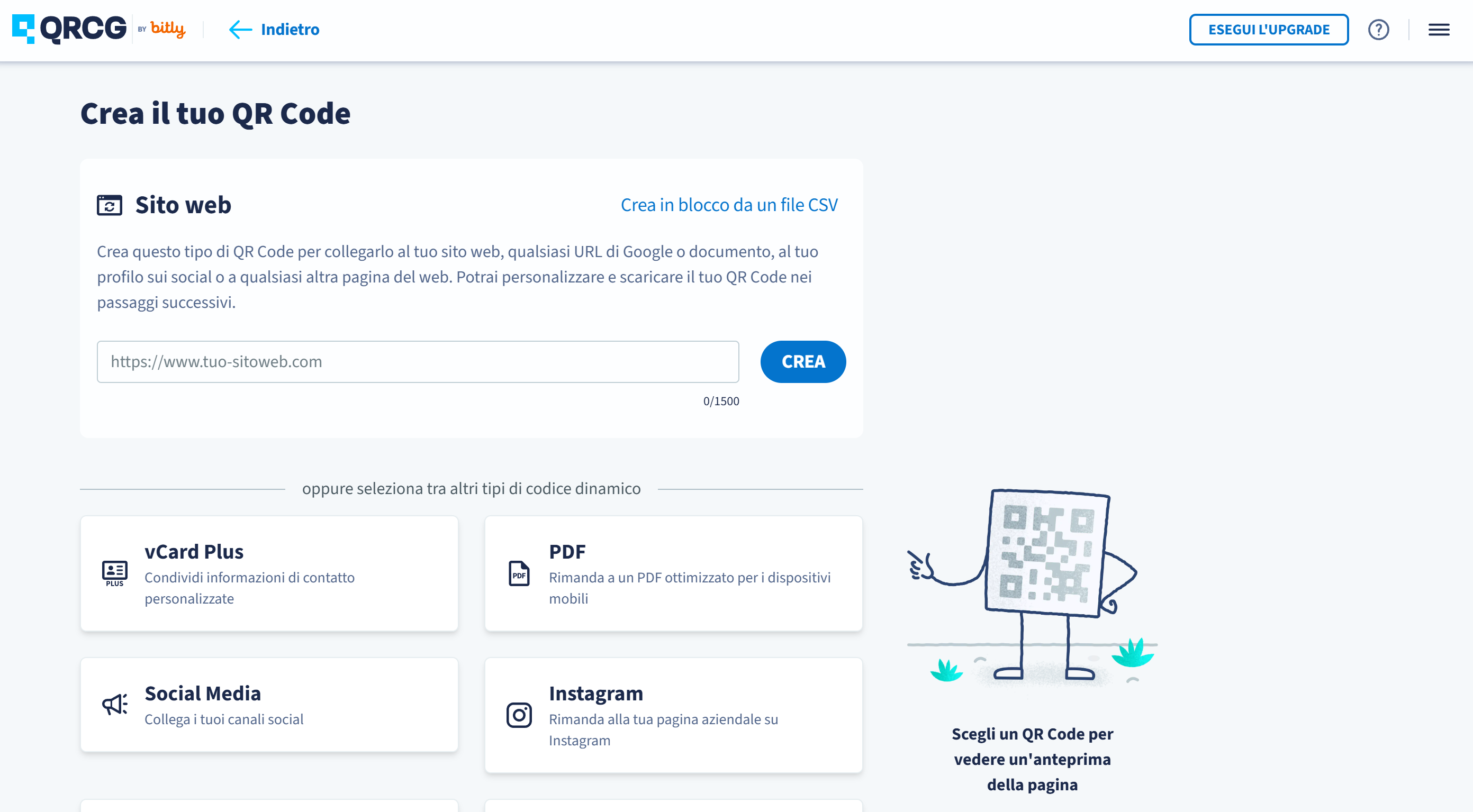
The following is your account dashboard. Here you can access existing products or create new ones. QR codes can be either static or dynamic.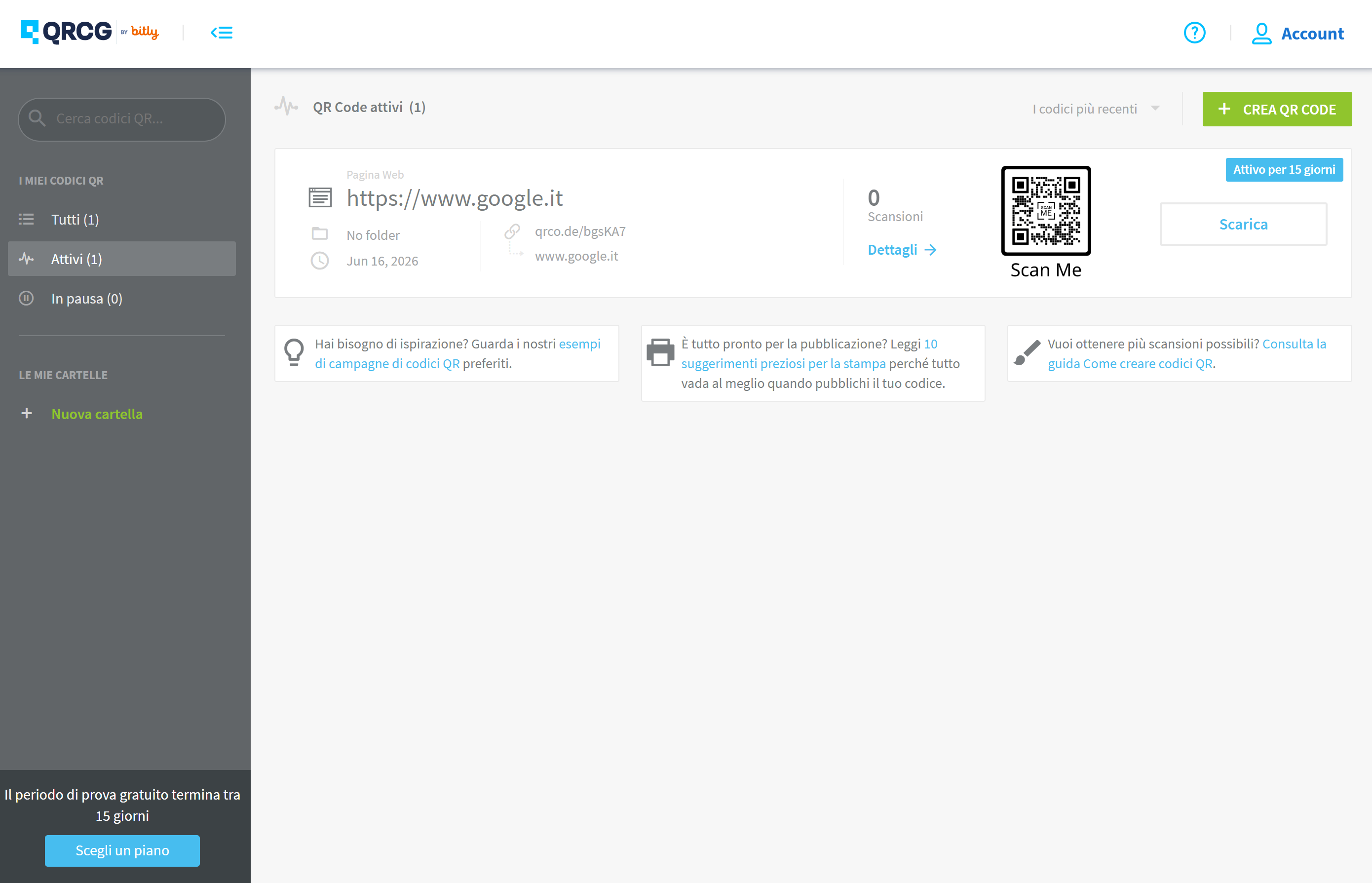
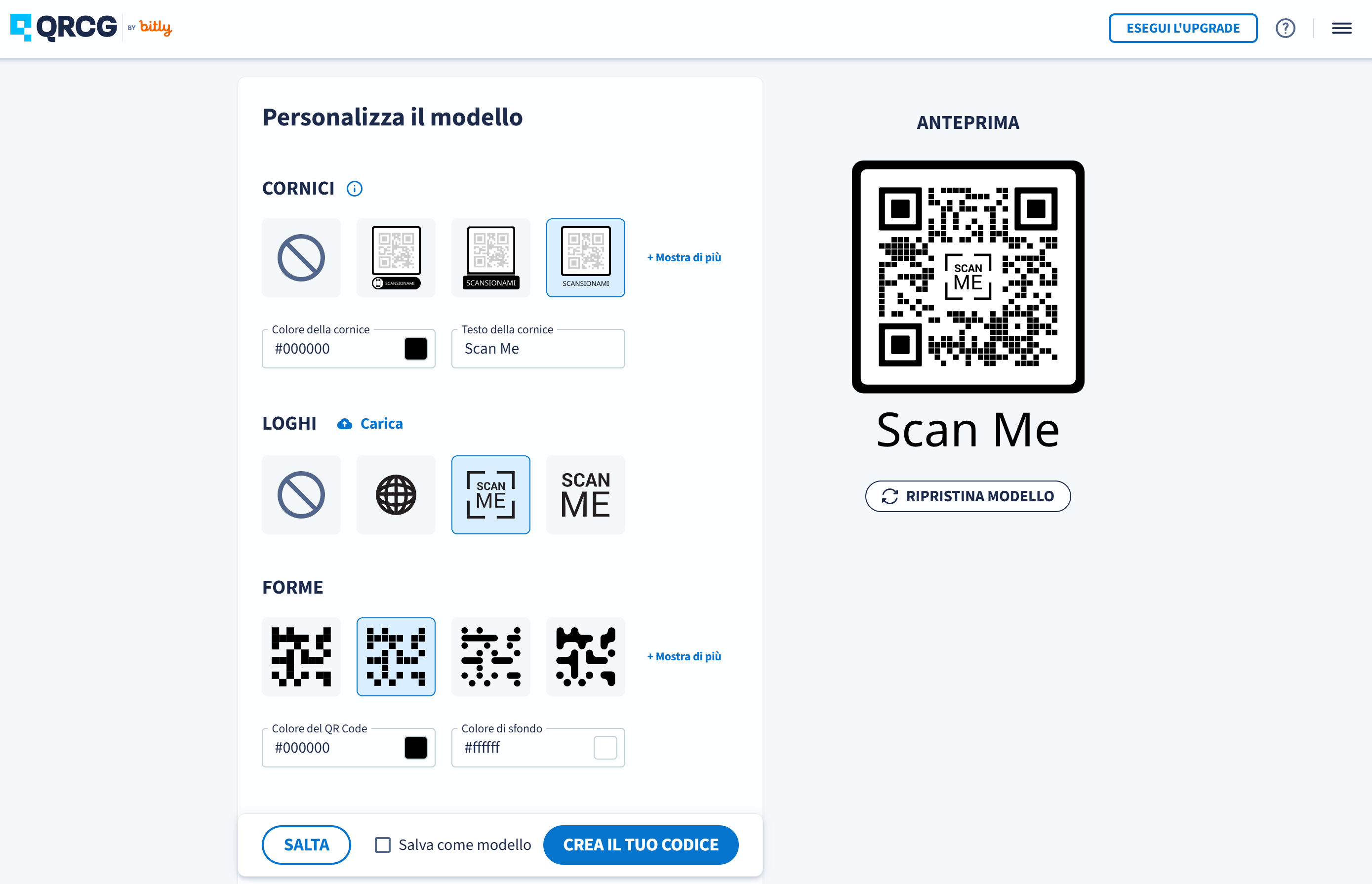
The following is the editing screen. Here you can select the type of QR code you want to generate and view a preview. Clicking the "Next" button will allow you to insert a link to a page.
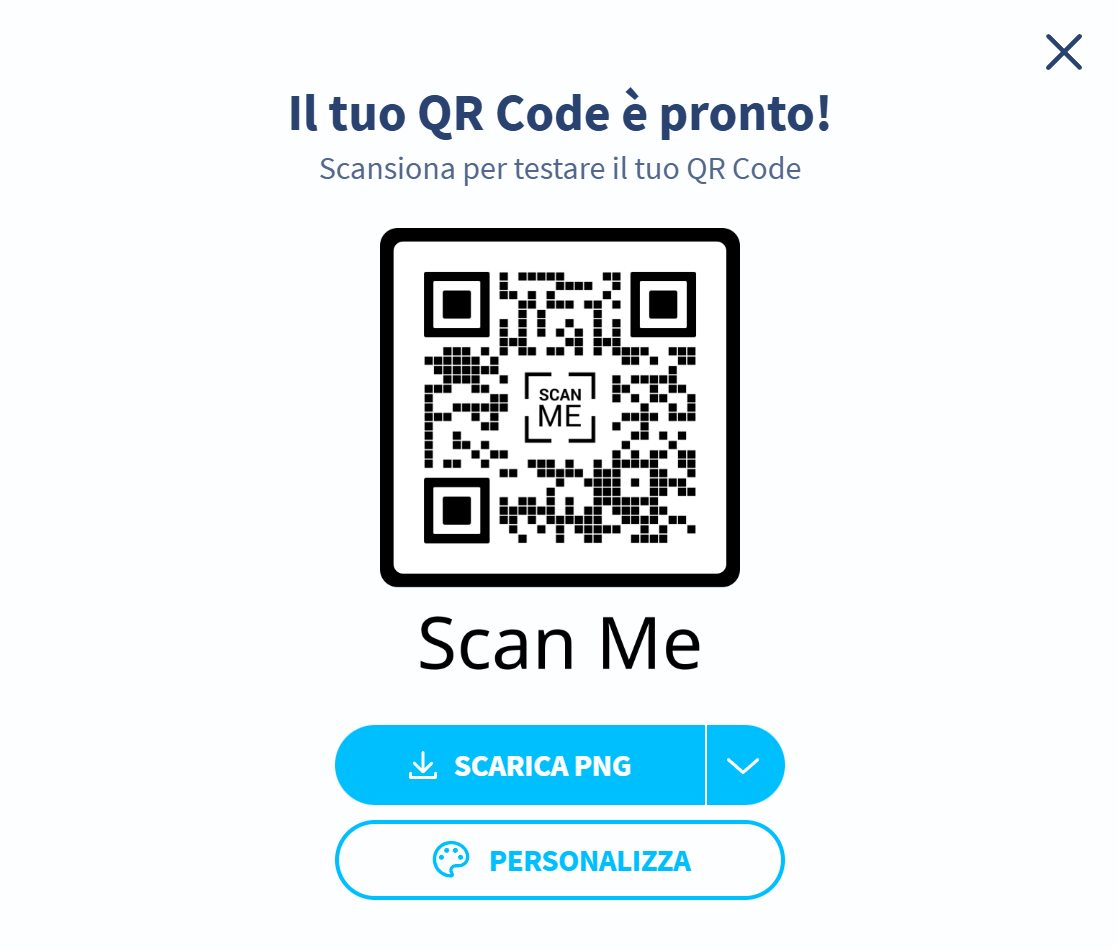
After generating a QR code, you can scan and download the code, as well as see the number of scans.
In ambito didattico un generatore di codici QR può essere utilizzato per ottimizzare e arricchire l'esperienza di apprendimento sotto molteplici aspetti. I docenti possono infatti creare codici QR contenenti link diretti a risorse digitali, permettendo agli studenti di accedere facilmente ai materiali di studio tramite i propri dispositivi mobili. Inoltre, questi strumenti si rivelano utili per condividere rapidamente le informazioni di contatto degli insegnanti o delle istituzioni scolastiche e per strutturare quiz e attività interattive per la classe. Infine, i codici QR offrono una soluzione pratica per tracciare in tempo reale la partecipazione degli studenti alle diverse attività didattiche sul campo o in laboratorio.

 4.5/5
4.5/5
 5
4/5
5
3.5/5
5
2.5/5
5
2.5/5
5
5
4/5
5
3.5/5
5
2.5/5
5
2.5/5
5
 Add comment











Copy link