


Enter all the desired criteria: the apps that satisfy them all will be searched; if a criterion is specified multiple times, only the last occurrence will be considered.
 This app has been dismissed by the developer and is therefore no longer available online or on the stores
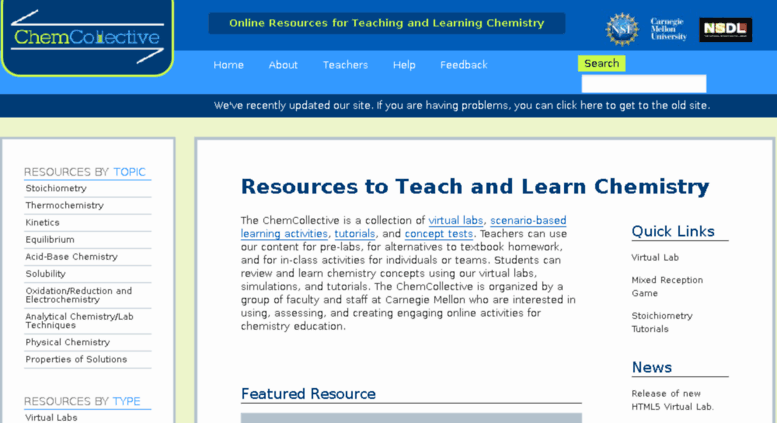 The Homepage looks like this: there is a brief explanation of the suggested activity at the center of the page. On the left of the screen there are the topics, while on the right there are the links that connect directly to the various activities.
 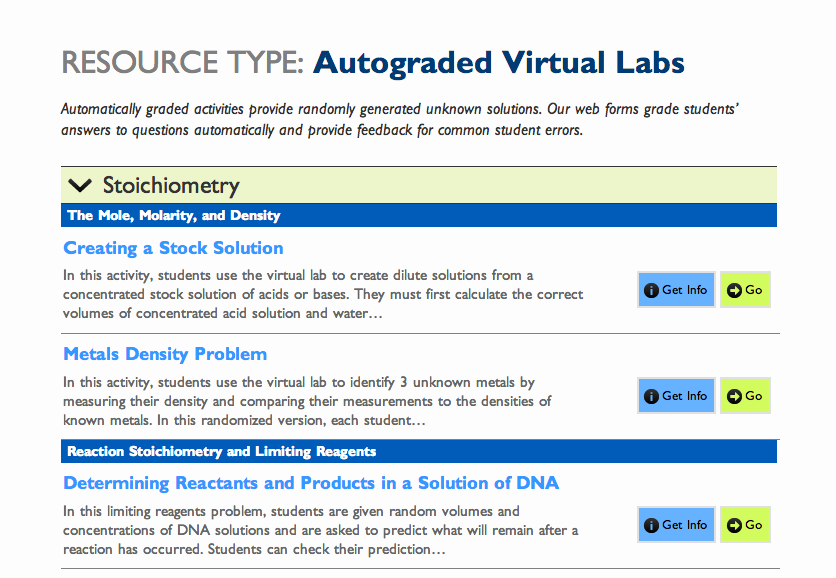 By clicking on the left menu you will see an additional drop-down menu with the different topics and, through the "get info" and "go" buttons, you can choose to get information on the subject and study it, or start doing exercises, after watching a short tutorial on youtube.
 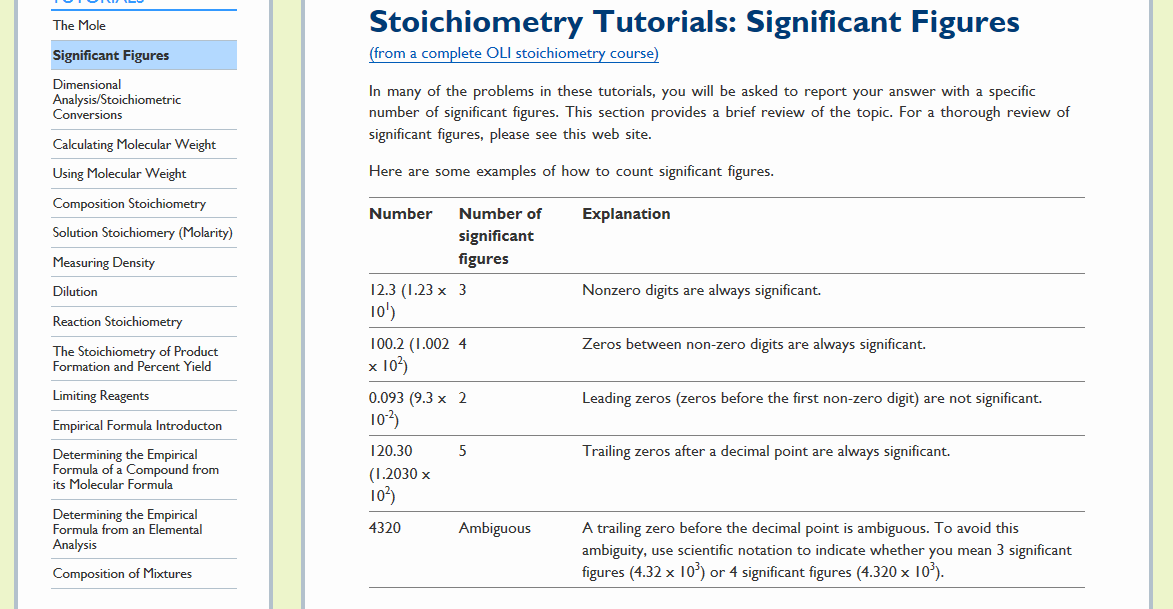 Some pages contain an explanation about the argument.
 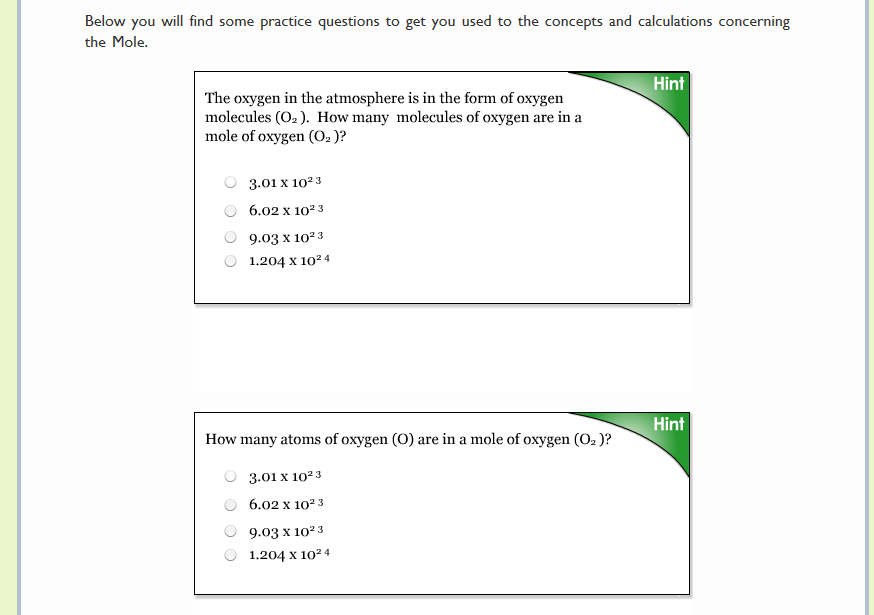 Here’s an example of exercise.
 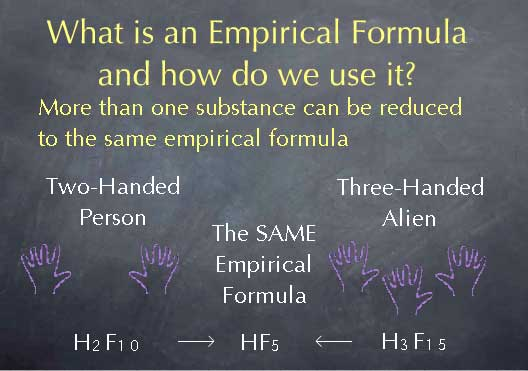 Example of tutorial suggested by the site Tutorials are not available for every page but only for those with the “Tutorial” option
 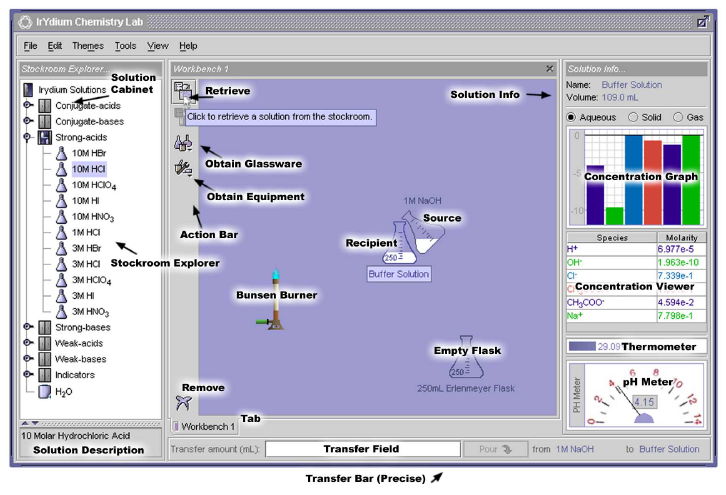 This is the old virtual laboratory. Now there’s a new one with new graphics. (here below)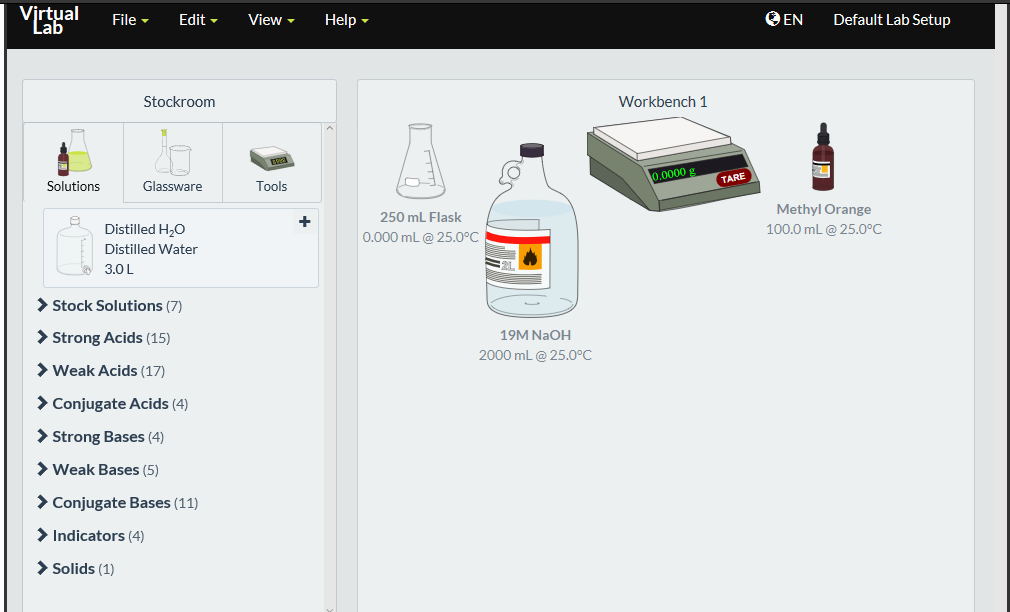
 0/5
5
0/5
5
0/5
5
0/5
5
0/5
5
0/5
5
0/5
5
0/5
5
0/5
5
0/5
5
 Add comment









Copy link