


Enter all the desired criteria: the apps that satisfy them all will be searched; if a criterion is specified multiple times, only the last occurrence will be considered.

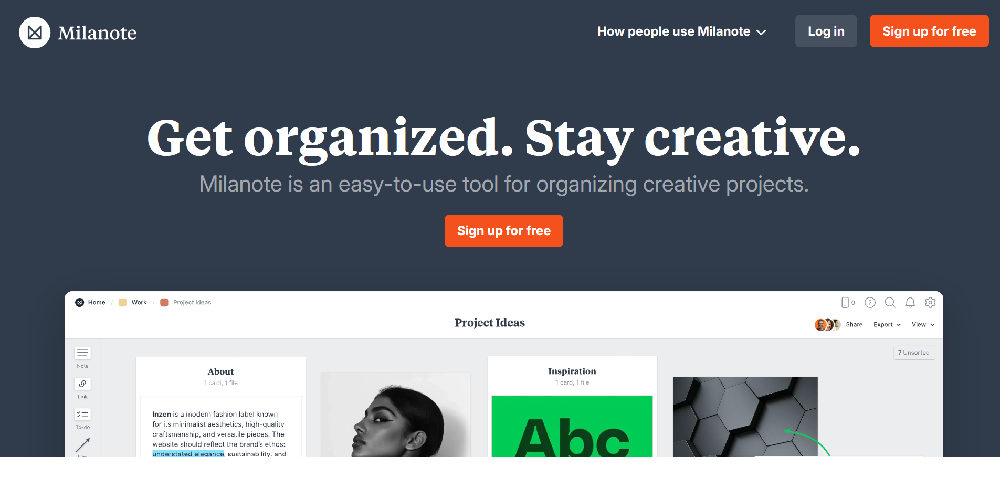
This is the Milanote home page, which displays an overview presenting the application as a simple tool for organizing creative projects, as confirmed by the central text. In addition to showing the access buttons, the page offers a clear preview of the workspace interface. You can see some examples of the elements that the application allows you to insert to create your projects: looking at the toolbar on the left, you can distinguish the icons for adding Notes, Links, to-do lists, and lines/arrows. In the central workspace, previously inserted elements are visible, such as descriptive cards and images, freely organized on the board. Finally, in the top right corner of the preview, you can see the icons of different users and the Share and Export buttons, which anticipate the application's collaboration and sharing features.
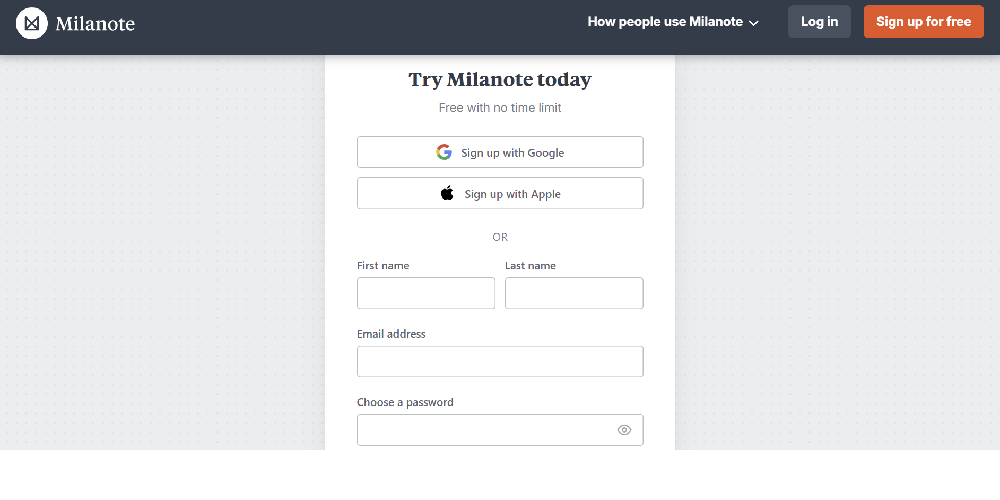
This is the Milanote sign-up page, the necessary step to create and save your content. It can be seen that the application offers quick free access via a Google or Apple account, or classic registration with name, email, and password.
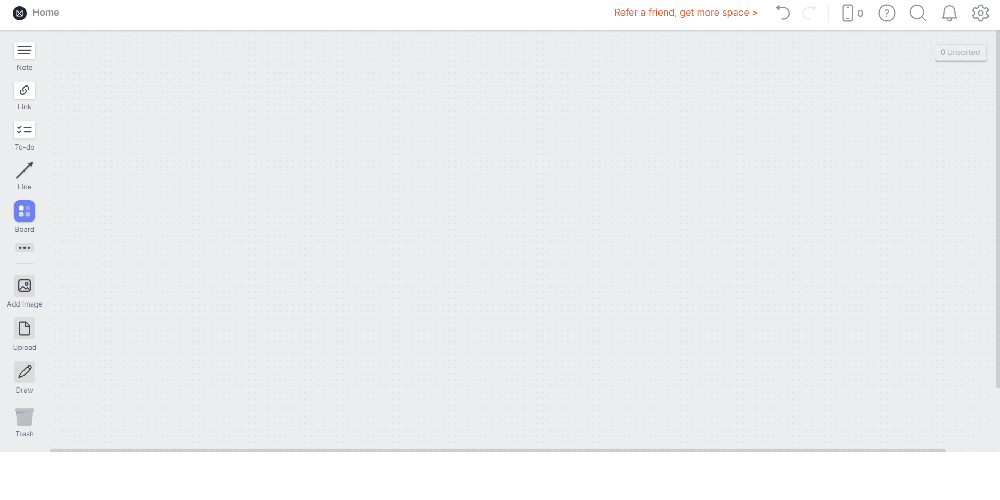
This is the creation page, which presents itself as an empty and flexible workspace. On the left, the toolbar is clearly visible, providing various elements ready to be dragged onto the board, such as text notes, links, lists, and drawing tools.
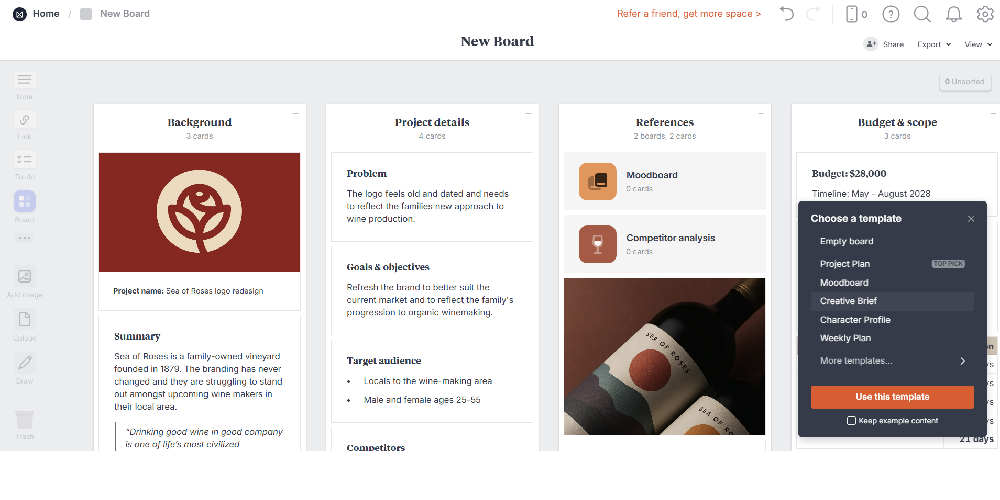
This image shows an example of a complete board. You can see how descriptive texts, lists, and images coexist in an orderly manner within the same space, visually organized into convenient columns to provide a clear overview of the project. By clicking the "Share" button in the top right corner, you can invite other people by entering their email and assigning "Editor" permissions to work on the content in real time together. Alternatively, a read-only link can be generated. Once the project is finished, the app allows you to export the entire board in formats such as PDF, image, or Word, or to convert the whiteboard into a linear presentation.
Regarding possible educational uses, Milanote can be used to:
 0/5
5
0/5
5
0/5
5
0/5
5
0/5
5
0/5
5
0/5
5
0/5
5
0/5
5
0/5
5
 Add comment









Copy link